 COME
COMEFind Your Way Around the COME Account Menu
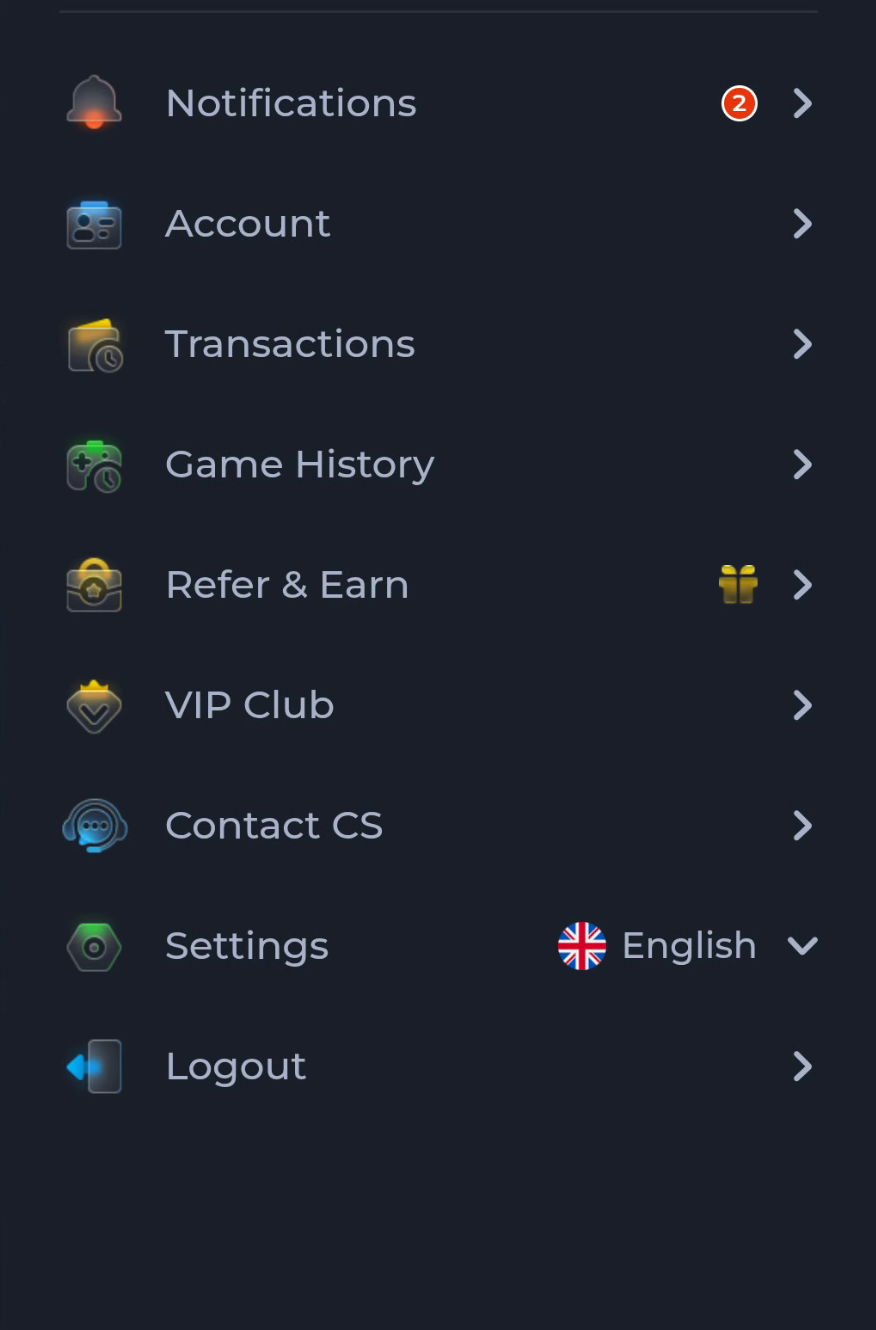
The COME menu separates account details, transactions, game history, help and settings. Start with the label matching your task instead of treating every menu entry as a route to the same information.
Distinguish activity from account controls
Account concerns the user account, while Transactions and Game History are separate entries. Choose the context you need before searching for a record. A game session and a payment-related record should not be assumed to have identical identifiers or status.
Locate help and settings
The pictured menu includes Contact CS and Settings below the activity entries. Use help for a question about a service and Settings for controls such as language or update checking. The current layout may vary; follow the visible labels on your screen.
Keep access while exploring
Avoid Logout if you are unsure of your recovery method. Reading a menu does not require changing account details. For a support question, note the menu and screen title, and share only the non-sensitive information needed to explain the issue.
A useful next step
Use the home page to reconnect the app overview with your next task. The Guides directory also has a separate explanation of the Settings controls.