 COME
COMECOME Settings to Check After Your First Open
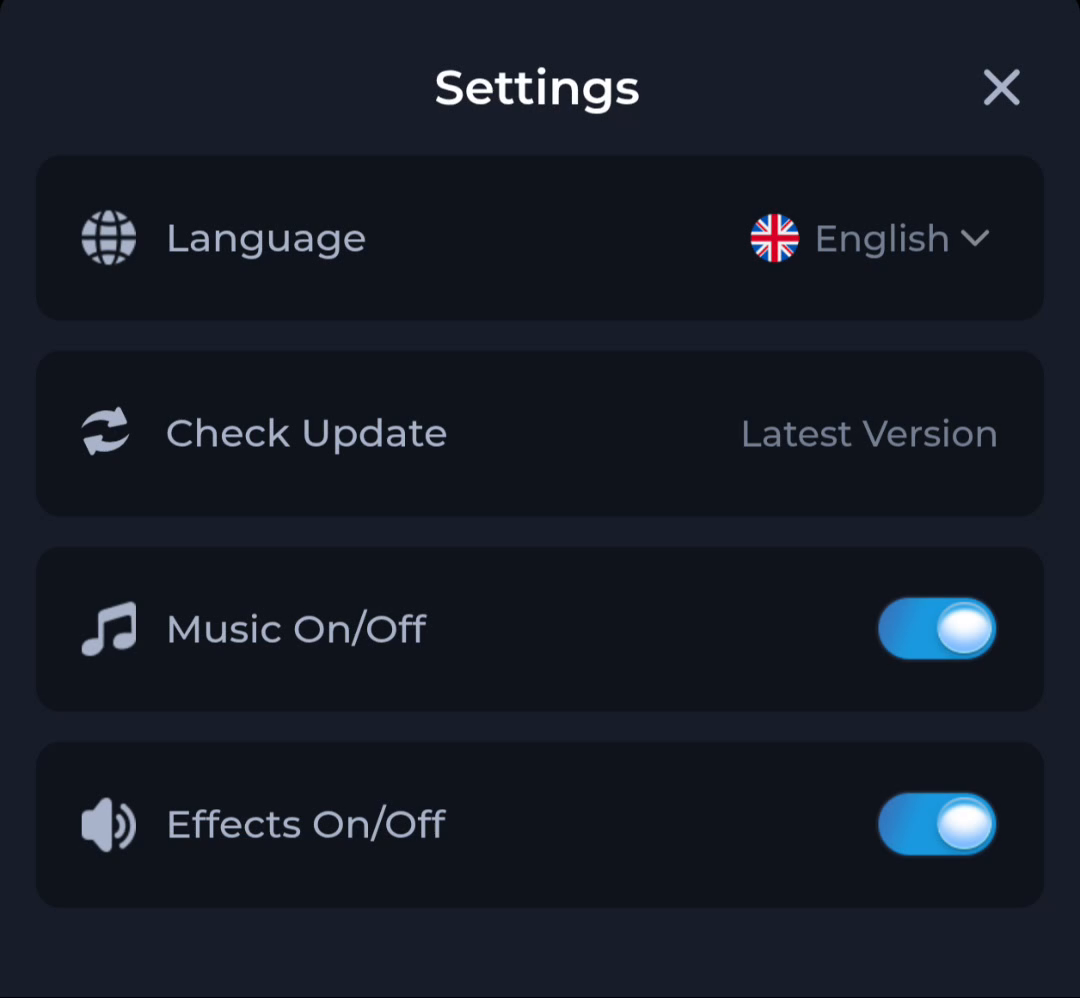
After COME opens, Settings gives you separate controls for language, update checking, music and effects. Inspect the row connected to your question before changing the installation.
Read one control at a time
Language affects how labels are presented. Music and Effects concern different sound controls. If the app is quiet, inspect both the app settings and the phone’s sound state rather than assuming the download failed.
Treat update wording as a status
The pictured Check Update row displays “Latest Version”. That is a status phrase, not a release number. Use a numbered version from the installed app information and current offer when you need a release comparison.
Confirm the effect of a change
Make one setting change and return to the relevant app screen to see its effect. Changing several controls together makes it harder to identify what helped. If a setting cannot be found, use the current menu labels and help instead of expecting every version to match the picture.
A useful next step
Continue from the home page for the broader app route, or use Download if the remaining question is specifically about getting or updating the Android package.